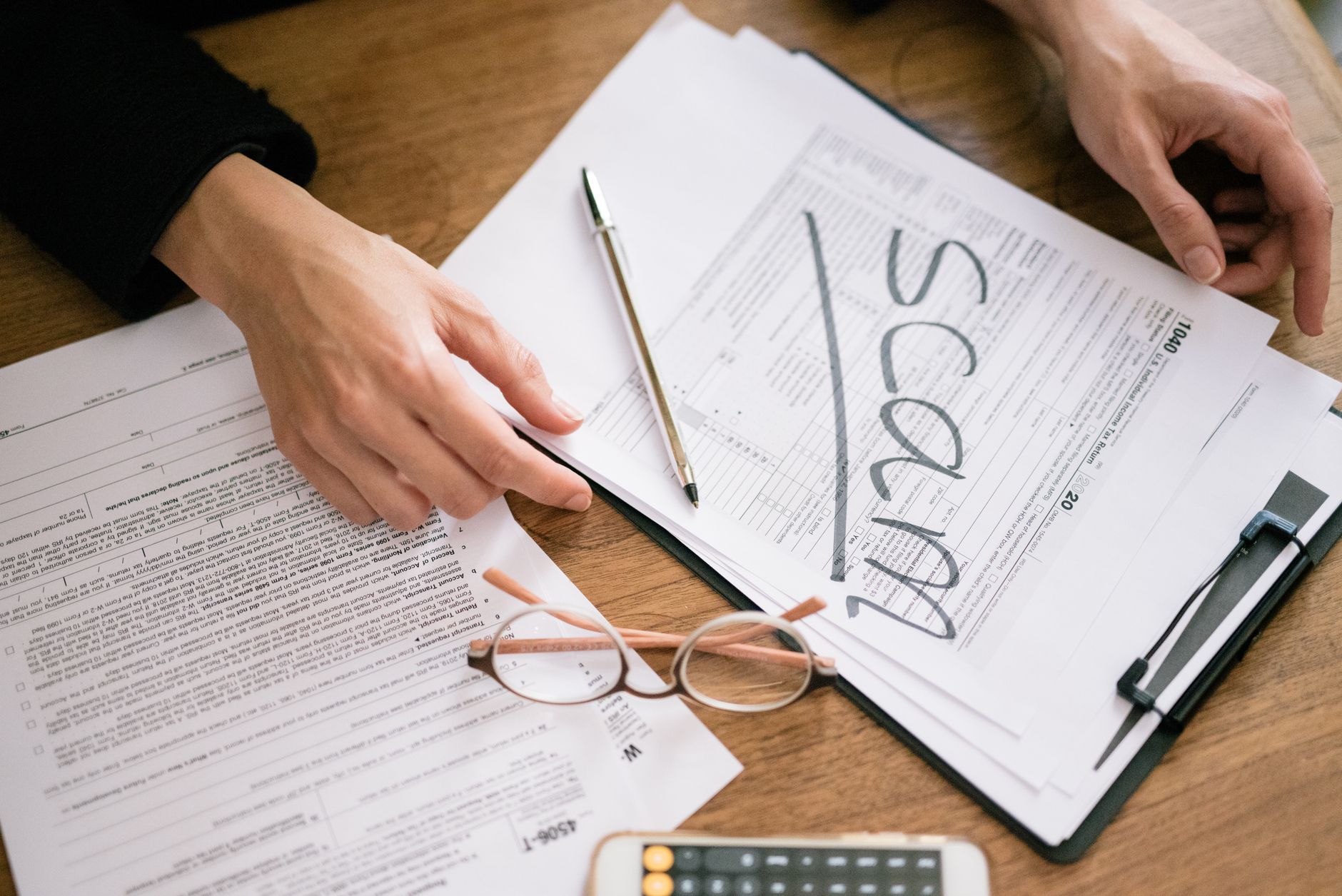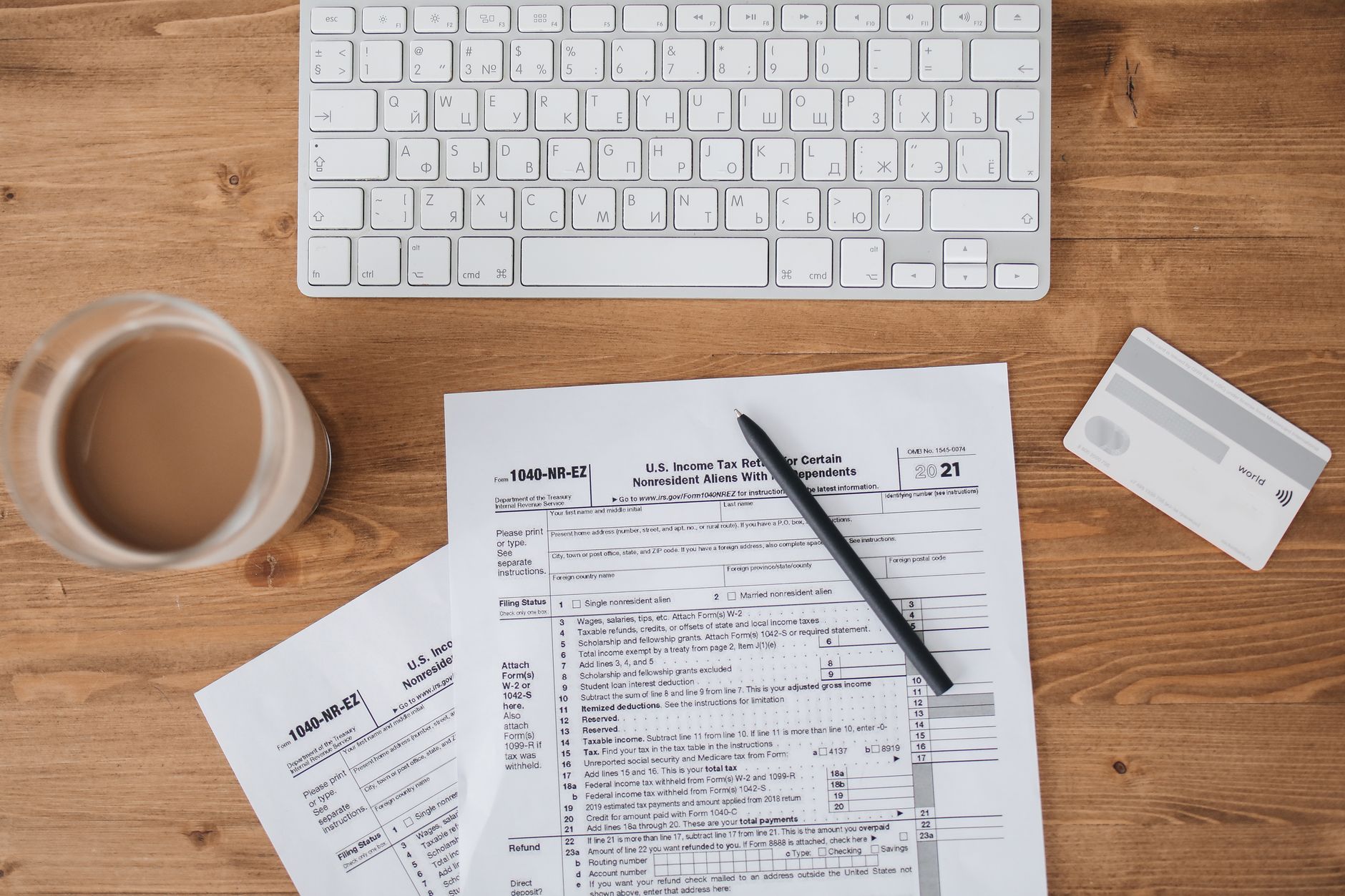

Last Tuesday, a wholesale dealer in the electronics market named Tariq stared at a rejected invoice on his phone screen and wondered why his regular sale was suddenly blocked by the system. Tariq runs a busy shop selling wiring and switches, and he usually prints paper bills in his book just like his father did before him. This year, the tax office made digital invoicing compulsory for registered businesses to track every single item sold from the factory floor down to the final retail shelf. If your computer system does not talk directly to the tax authority portal, your buyers cannot claim their input tax credit, and they will simply stop buying from you. At Shahbaz Hannan & Co. Chartered Accountants, we see many traders struggle with this shift because they still rely on manual paper books instead of updating their software. You need to understand these new rules before your daily business transactions face a sudden freeze.
How the Digital System Works Now
The government launched this electronic system to stop fake paper bills and catch people who hide their true sales figures. Every time you sell goods to another registered business, your computer must send the invoice details to the central database in real time. This means you cannot make up a bill later or change the numbers after the truck leaves your warehouse. If your sales tax return does not match the live data sent by your computer, you will get an automated notice within days. This technology removes human judgment, meaning the computer decides if your tax filing matches your actual sales.
Many small factory owners and traders think they can ignore this change if they keep their turnover low. However, the threshold for digital reporting drops lower every few months, catching more businesses in the net. You have to connect your billing software to the official portal or use the web portal provided by the tax office for every single transaction. Our team often helps clients set up their systems through ERP solutions so their daily sales flow directly into the government database without manual typing errors. Taking this step now saves you from heavy daily fines and keeps your business active on the tax portal.
Common Mistakes Traders Make With New Bills
Tariq made a costly mistake last month by entering the buyer's tax registration number incorrectly on a large order of copper wires. The system rejected the bill instantly, but Tariq shipped the goods anyway because his truck driver was waiting in the lane. Three days later, his buyer called in a panic because their tax credit was missing and they refused to pay their balance until the issue was fixed. You must verify every customer's tax status before the goods leave your loading dock to avoid these painful payment delays. Matching your NTN status and buyer details on the spot prevents your money from getting stuck in endless paper chasing.
Another frequent error happens when shopkeepers offer cash discounts without updating the taxable value on the digital invoice. The computer expects the bank payment or cash receipt to match the exact invoice amount down to the last rupee. When the numbers differ, the system flags your account for a detailed audit of your business bank statements. You can avoid these automated alerts by training your billing staff to enter exact figures and matching every receipt daily. If your accounts team needs extra support to clean up these errors, you should explore our taxation services for professional guidance.
Action Steps for Your Business This Week
You do not need to panic about these new rules, but you do need to check your billing software today. Ask your accountant to test your connection with the government tax portal and confirm that your last ten invoices went through successfully. Make a simple rule for your shop staff that no delivery goes out without a verified digital invoice number printed on the paper copy. Small daily checks keep your business safe and ensure your customers stay happy.
Call your software vendor this afternoon and ask if your program has the latest updates for automated tax reporting. If your current setup keeps crashing or failing to connect, do not wait for a tax notice to force your hand. Fix the problem this week by upgrading your tools or getting expert advice from our team at Shahbaz Hannan & Co. Chartered Accountants.
Frequently Asked Questions
What happens if my digital invoice fails to upload to the FBR system?
If your invoice fails to upload, your buyer cannot claim their input tax credit and may withhold your payment. You must fix the error in your software and transmit the correct data immediately to avoid compliance fines.
Do unregistered retail customers need digital invoices?
No, sales to ordinary end consumers who do not have a tax registration number do not require live digital reporting in the same way. However, you must still record these sales correctly through a certified electronic cash register or point-of-sale machine.
How can I check if my billing software is approved by the tax office?
You can verify your software by checking the official tax authority website list of integrated licensees and software vendors. If your current billing tool is not on that list, consult your tax advisor to migrate your data to an approved platform before the next filing deadline.
Have questions about how this applies to your business?
Book a Consultation